
Privacy & Spam
What Is an Anonymous Email and How Private Is It Really?
Most services marketed as anonymous email are actually pseudonymous, encrypted, or disposable. Here is what each type hides, what metadata still leaks, and how…
Keep spam and tracking out of your inbox: guides to email aliases, plus addressing, tracking pixels, safe unsubscribing and sharing your address less.
Most services marketed as anonymous email are actually pseudonymous, encrypted, or disposable. Here is what each type hides, what metadata still leaks, and how…
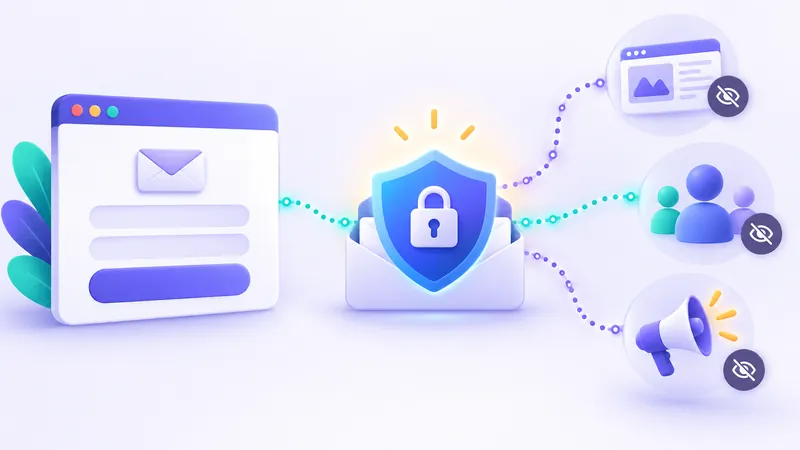
Almost every site you visit wants your email address before letting you read, shop, or download. Here is what companies actually do with your address behind th…
Clicking the wrong unsubscribe link can actually bring more spam to your inbox. Here is how to tell safe opt-out links from traps, use built-in mail buttons, a…
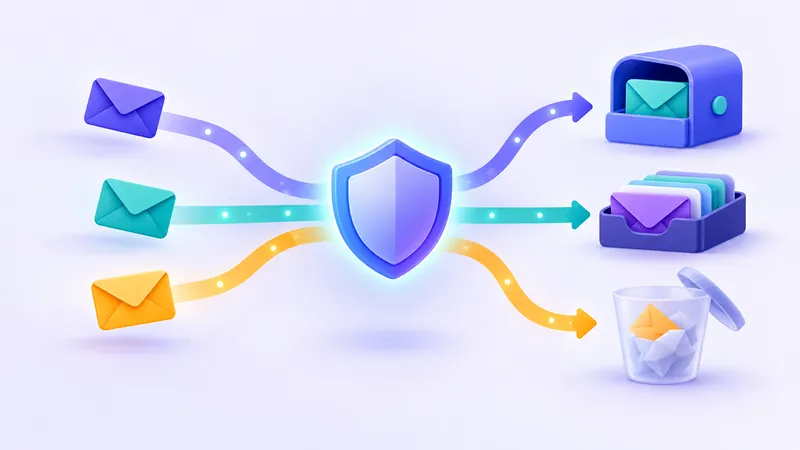
Not every website deserves your primary email address. Discover how plus addressing, forwarding relays, custom domains, and disposable inboxes work so you can …
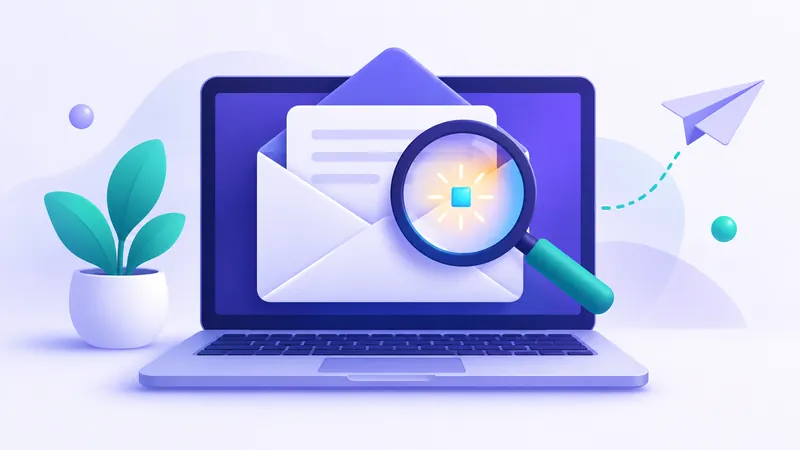
Senders use invisible images called tracking pixels to monitor when, where, and how often you open messages. Here is how they work and how to block them.

Gmail has built-in alias tricks like plus addressing and dot variations that let you create instant temporary addresses. Here is how they work and where they f…
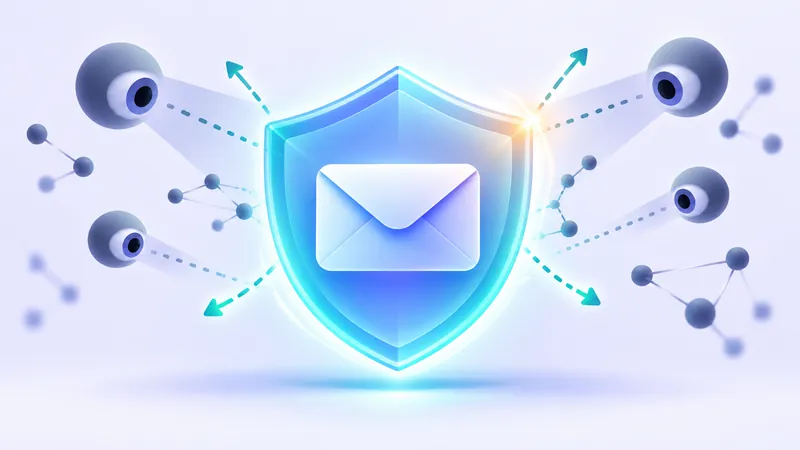
Your email address acts as a permanent digital ID that marketers and data brokers use to follow you across the web. Here is how a disposable email breaks that …
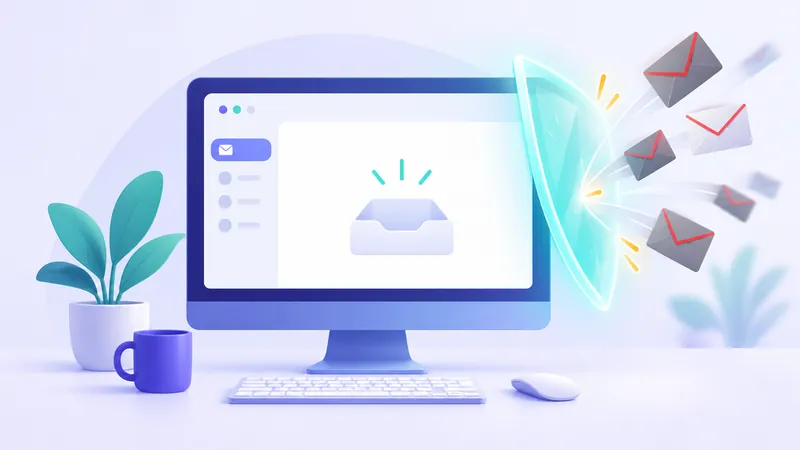
Tired of junk cluttering your inbox? Here are 12 practical, proven habits to block unwanted messages, filter out clutter, and keep your inbox permanently clean.
This section helps everyday internet users keep spam and hidden tracking out of their main inbox. If you are tired of promotional clutter or wondering why every website asks for your personal address before showing you content, these guides give you practical answers. We explain simple habits that protect your inbox, including how to use email aliases and Gmail plus addressing, how invisible tracking pixels reveal when you open a message, and how to unsubscribe from mailing lists safely.
You will also learn how anonymous email actually works and when using a disposable email makes the most sense. A free temporary email on FakeEmail.net works well when you just need a quick burner email for a one-off download or sign-up without sharing your real contact info. However, knowing the limits of temp mail is essential for your security: these inboxes are receive-only, and anyone who knows or guesses an address can read its messages. Never use a fake email for banking, personal conversations, or any sensitive account you plan to keep.