
Email Security
Fake PayPal Emails: How to Spot Phishing Scams Fast
Not sure if that payment receipt or account warning is real? Learn the telltale signs of a fake PayPal email, how invoice scams work, and the safest way to che…
Practical guides on temporary email, spam, phishing and online privacy — written in plain language by the FakeEmail.net team.
Not sure if that payment receipt or account warning is real? Learn the telltale signs of a fake PayPal email, how invoice scams work, and the safest way to che…
Scammers send fake Amazon emails about expensive orders, locked accounts, and failed deliveries to steal your login and payment details. Here is how to recogni…
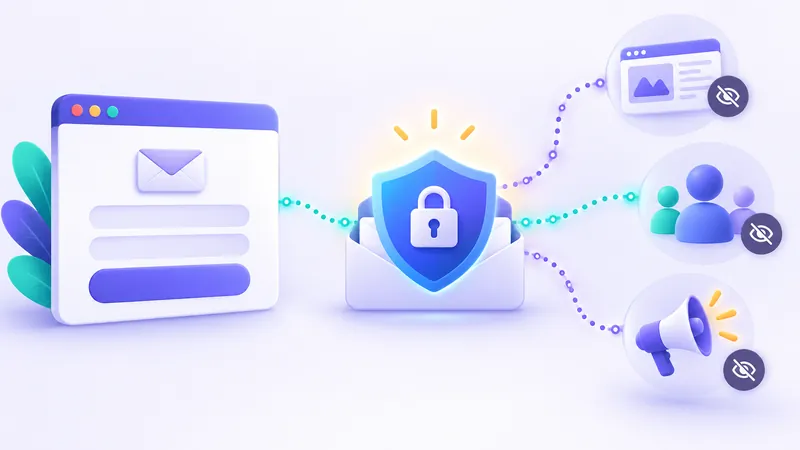
Almost every site you visit wants your email address before letting you read, shop, or download. Here is what companies actually do with your address behind th…
Clicking the wrong unsubscribe link can actually bring more spam to your inbox. Here is how to tell safe opt-out links from traps, use built-in mail buttons, a…
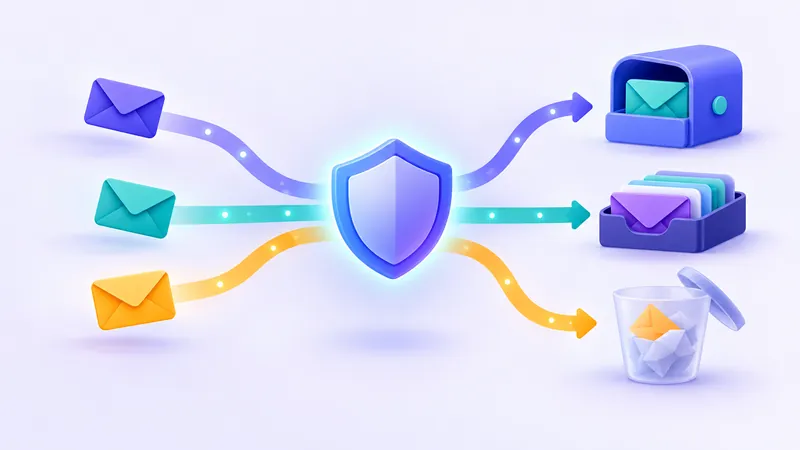
Not every website deserves your primary email address. Discover how plus addressing, forwarding relays, custom domains, and disposable inboxes work so you can …

Wondering whether a strict 10 minute mail timer or a session-based temp mail inbox fits your needs? Here is how they compare across lifespans, control, and pri…

Every email you send or receive travels through a coordinated relay of servers, address books, and protocols. Here is a plain-English guide to how email works …
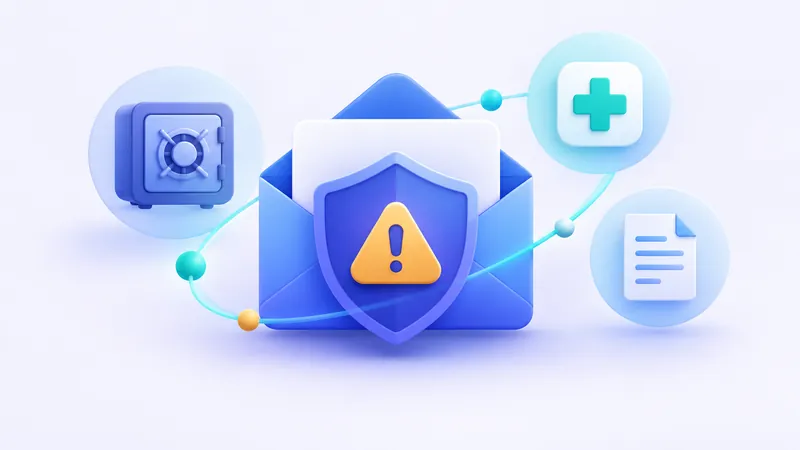
Disposable inboxes protect your privacy, but using them for the wrong accounts can lock you out permanently. Here is when you must stick to a permanent address.
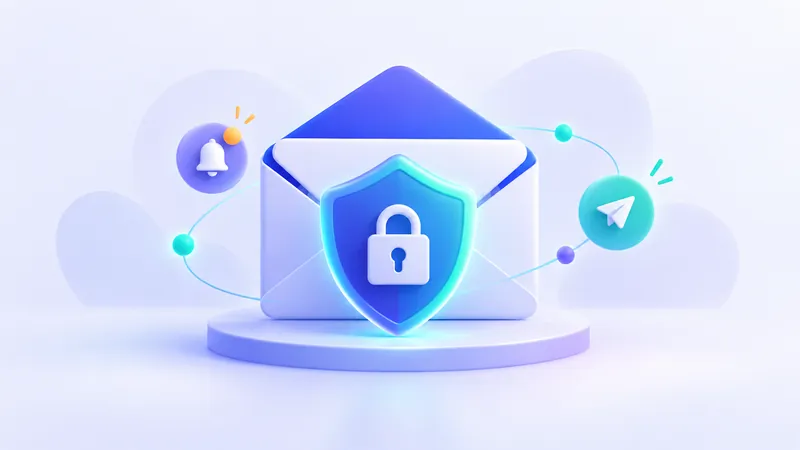
Discover how to report fake emails and phishing messages step-by-step to your mail provider, targeted brands, and national cybersecurity agencies.
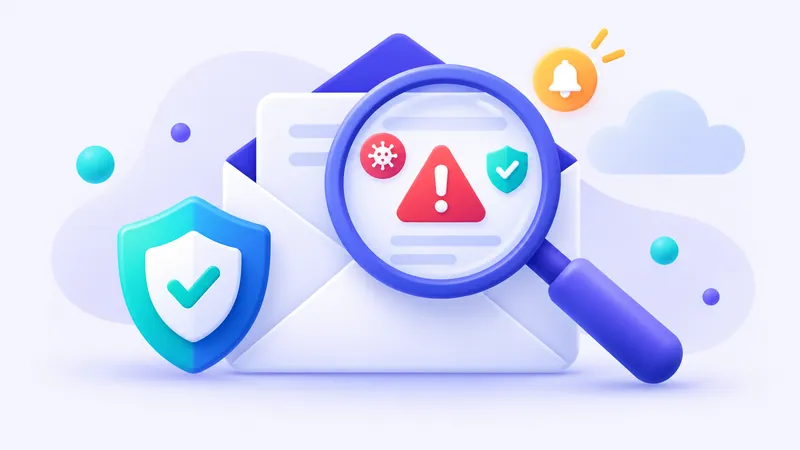
Scammers send millions of fraudulent messages every day. Here is how to tell if an email is fake before clicking a dangerous link or handing over passwords.

Discover the critical steps to take immediately after an email data breach, from securing compromised accounts to protecting your inbox against future leaks.
Senders use invisible images called tracking pixels to monitor when, where, and how often you open messages. Here is how they work and how to block them.