What Is a Burner Email? Uses, Limits and Alternatives
On this page
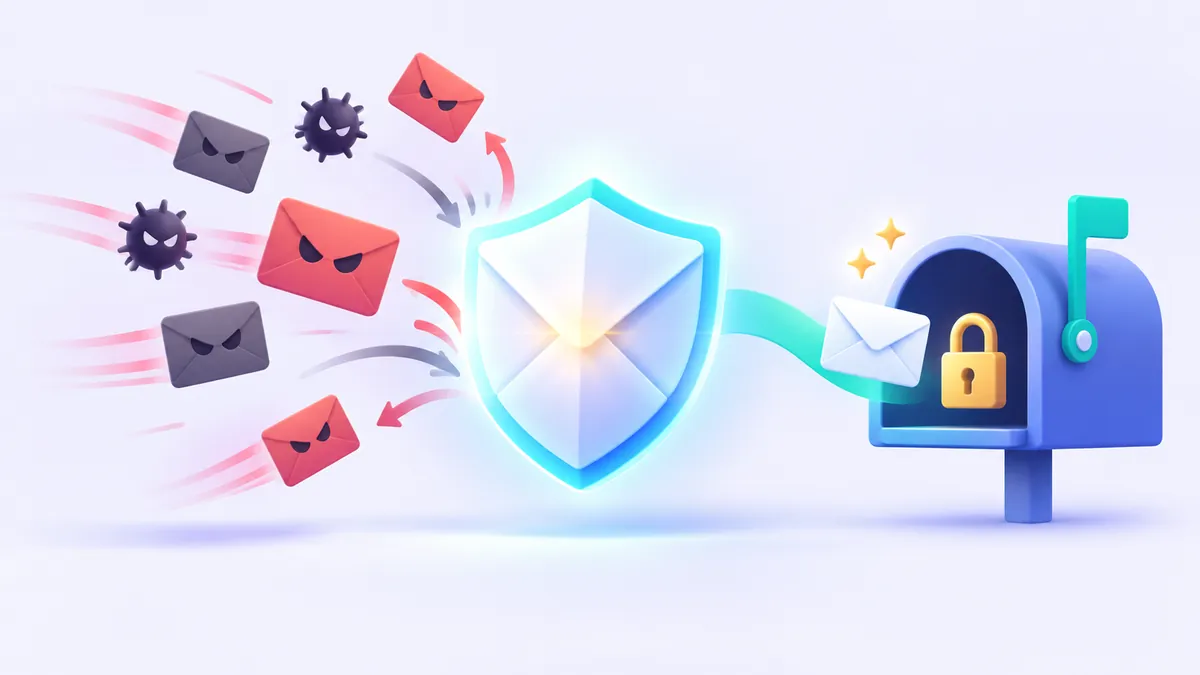
A burner email is a short-lived email address that you use to sign up for a website, download a file, or receive a verification code without revealing your personal inbox. Once it has served its purpose, you simply abandon or delete it so that subsequent marketing newsletters, tracking pixels, and data breaches never touch your real identity. Borrowed from the concept of a prepaid "burner phone," the term describes any throwaway email address that acts as a disposable buffer between you and the companies asking for your contact details.
While the idea is simple, not all throwaway addresses work the same way under the hood. Depending on how long you need the address and whether you ever need to reply to a message, you might use an instant temporary inbox, a masked forwarding alias, or a separate webmail account. Understanding the differences helps you protect your privacy without accidentally locking yourself out of an important online account.
Where the Term "Burner Email" Comes From and How It Works
In everyday conversation, a "burner" is a tool you acquire with minimal friction, use for a specific task, and discard when you are finished. In the email world, "burner email" is not a single software protocol; rather, it is a practical strategy for compartmentalizing your online life. Every time you type your primary email address into a sign-up form, you hand over a permanent identifier that marketers and data brokers use to link your activity across different websites.
Using a burner email breaks that link. Instead of giving a retail store, a discussion forum, or a software trial your lifelong address, you give them a substitute address that has no connection to your name, contacts, or financial accounts. If that website later sells its mailing list or suffers a security breach, the fallout stays confined to an inbox you no longer care about.
In practice, everyday internet users set up a burner email address in one of three ways:
- Instant disposable email (temp mail): You open a website that generates a working email address on the spot with no registration or password. You read the incoming message right in your browser and close the tab when you are done.
- Masked forwarding aliases: You use a privacy relay service that creates a random address and forwards incoming messages to your real inbox. If an alias starts attracting spam, you switch it off or delete it from your dashboard.
- Secondary webmail accounts: You register a separate, free account with a standard email provider using minimal or pseudonymous details, using it strictly as a "junk drawer" for online shopping and promotions.
Burner Email vs. Temporary Email vs. Email Alias
Because people use these terms interchangeably, it helps to look at how each option handles registration, longevity, and security. We cover the deeper architectural nuances in our comparison of fake email, temporary email, and email aliases, but the core distinction comes down to ownership and lifespan.
An instant temporary email is the purest form of a burner email because there is nothing to set up. When you open a free service like FakeEmail.net, a random address on one of the service's domains is waiting for you immediately. You copy the address, paste it into a sign-up form, and watch the page automatically refresh until your confirmation message arrives.
By contrast, an email alias or a secondary webmail account requires you to maintain an underlying account with a password. You trade a bit of setup time for persistence and privacy. The table below breaks down how the three approaches compare in daily use.
| Feature | Instant Temp Mail (Disposable) | Forwarding Email Alias | Secondary Webmail Account |
|---|---|---|---|
| Setup required | None; generated instantly on page load | Requires an account with an alias or relay service | Requires full sign-up, password, and often phone verification |
| Typical lifespan | Minutes to a few hours (session-based) | Lasts until you disable or delete the alias | Lasts indefinitely unless closed for inactivity |
| Can you send or reply? | No (receive-only) | Usually yes, via masked relay addresses | Yes, functions like a normal mailbox |
| Inbox privacy | Public; anyone who knows the address can read it | Private; protected by your primary account login | Private; protected by your account password |
| Best use case | One-time codes, gated downloads, public Wi-Fi | Online shopping, newsletters, accounts you keep | Managing a separate hobby, project, or junk inbox |
Smart, Legitimate Ways to Use a Burner Email Address
Most websites ask for your email address long before you know whether you can trust them or even want their product. Using a throwaway email lets you evaluate a digital resource on your own terms before committing your personal contact information. The U.S. Federal Trade Commission (FTC) regularly advises consumers to guard their primary email address carefully to minimize exposure to unwanted commercial mail and phishing attempts.
1. Downloading Whitepapers, E-Books, and Templates
Many blogs, software vendors, and research firms lock helpful PDFs, spreadsheet templates, or checklists behind an email form. They don't need your address to deliver a file; they want to add you to an automated sales sequence. Giving them a disposable address lets you receive the download link immediately without spending the next six months clicking "unsubscribe" on follow-up pitches.
2. Signing In to Public Wi-Fi Captive Portals
Airports, hotels, coffee shops, and shopping malls routinely demand an email address before granting access to their guest Wi-Fi networks. Because public Wi-Fi portals rarely verify that you keep the address long-term, an instant burner email gets you online without tying your physical location and device MAC address to your real email identity.
3. Testing Apps and Exploring Niche Communities
If you are curious about a new web tool, a discussion board, or a single article hidden behind a free registration wall, a burner address lets you look around safely. If you decide the platform is worth your time, you can either update your profile settings with a permanent email alias or create a real account later. On FakeEmail.net, you can even keep up to 10 addresses active in a single browser session and use the "Change" button to pick a custom username on one of our domains while testing multiple workflows.
4. Quality Assurance and Software Testing
Web developers and QA testers constantly need fresh email addresses to verify sign-up flows, welcome emails, and confirmation links. Using a session-based disposable inbox is much faster than creating dozens of real accounts, and features like FakeEmail.net's one-hour QR code allow testers to quickly inspect how an incoming registration email renders on a mobile phone.
Fair Use Matters: A burner email is a privacy shield, not a license for abuse. You should never use temporary email addresses to commit fraud, impersonate others, harass people, evade platform bans, or repeatedly exploit free trials and promotional coupons. At FakeEmail.net, our Acceptable Use Policy strictly forbids these activities. If you enjoy a paid software service after a fair test, support the creators or switch to a permanent alias you control.
The Limits and Risks of a Throwaway Email
Because a burner email is designed to be disposable, using it in the wrong place can cause serious headaches. Before you paste a temporary address into a form, you need to understand four major technical limitations.
1. Instant Disposable Inboxes Are Public
Traditional email accounts stay private because they sit behind a username and password. Instant temporary email services remove the password so you can use them anonymously in seconds, which means the inbox itself is not private. On FakeEmail.net, for example, anyone who knows or guesses a specific email address can open that inbox and view its messages.
For a routine four-digit verification code or a link to an e-book, that trade-off is completely fine—especially if you click the "Delete" button as soon as you finish. However, if an email contains your home address, phone number, medical records, financial statements, or private correspondence, a public temporary inbox is the wrong tool.
2. You Can Easily Lock Yourself Out of Accounts
Your email address is the master key for resetting forgotten passwords and approving logins from unfamiliar devices. If you register an important account with a throwaway email and lose access to that inbox, you lose the account permanently.
With FakeEmail.net, your addresses and messages are tied to your browser session rather than a registered account, and the session ends after about two hours of inactivity. While you can reopen the exact same address later using the "Change" button to view messages that arrived in the meantime, temporary storage is never permanent. If a service requires two-factor codes six months from now, a disposable inbox should not be your recovery method.
3. Receive-Only Restrictions
Most instant burner email generators are strictly receive-only. You cannot compose outbound messages, send attachments, or reply to customer support tickets from a FakeEmail.net address. This design prevents spammers from abusing disposable domains to send malicious mail, but it also means you cannot verify ownership of an account if a company asks you to reply directly from your registered email address.
4. Domain Blocking by Websites
Online retailers, financial institutions, and large social networks maintain blocklists of known disposable email domains to prevent automated bot registrations. If a website rejects a temporary address during sign-up, that is the platform's right. Instead of looking for ways to bypass their filters, take it as a signal to use a forwarding alias or a dedicated secondary account that you control.
Better Alternatives When You Need Long-Term Privacy
When a website requires ongoing communication, order receipts, or future password resets, an instant burner email is too fragile. Fortunately, you do not have to hand over your primary personal address either. Depending on what you are signing up for, one of these three alternatives will keep your inbox clean while keeping your account secure.
Email Forwarding Aliases and Relays
An email alias acts like a private mail-forwarding box. You generate a unique address for a specific store or website, and any email sent to that address is quietly forwarded to your real inbox. Because the alias is tied to your private account, nobody else can guess the username and read your messages, and you will never lose password reset links. To see how these tools work in detail, read our guide to email aliases, plus addressing, and disposable inboxes.
Plus Addressing (Subaddressing)
Most major email providers support a standard feature called subaddressing, where you add a plus sign and a tag after your username (for example, yourname+shopping@domain.com). Messages still arrive in your main inbox, allowing you to set up automatic folder filters and see which website leaked your address. Keep in mind that plus addressing does not hide your real address—anyone looking at the string can easily strip away the plus tag and see your primary email.
A Dedicated Secondary Mailbox
If you frequently enter online sweepstakes, join retail loyalty programs, or sign up for hobby newsletters, opening a second free account with an established, privacy-respecting webmail provider is a classic solution. By keeping this "junk mailbox" completely separate from the inbox you use for banking, work, and family, you get a password-protected account that never expires without cluttering your daily notifications.
Quick Rule of Thumb: Ask yourself one question before signing up: "Will I care if I cannot log back into this website tomorrow?" If the answer is no, use a free temporary address on FakeEmail.net. If the answer is yes, use a private email alias or a password-protected secondary mailbox.
Frequently asked questions
Is using a burner email legal?
Yes, using a burner or temporary email address to protect your privacy and avoid spam is completely legal. However, how you use it matters: using any email address to commit fraud, harass individuals, or violate laws remains illegal regardless of the inbox you choose.
Can websites tell when I use a burner email?
Websites can easily identify instant disposable email addresses because the domains are publicly known and listed on commercial blocklists. However, if you use a private forwarding alias on a custom domain or a secondary webmail account, the website typically sees it as a standard email address.
Can I recover messages from a FakeEmail.net burner address after closing my browser?
On FakeEmail.net, your inbox is tied to your browser session and closes after about two hours of inactivity. If you remember the exact username and domain you used, you can recreate it using the Change button to view messages that arrived recently, though you should never rely on a temporary inbox for long-term storage.
Is a burner email completely anonymous?
A burner email hides your real name and primary email address from the website you are signing up for, which protects you from marketing trackers and data brokers. It does not make your internet connection invisible, so websites can still see your IP address and browser details unless you take separate network privacy precautions.
Why can't I send emails from a temporary burner address?
Most instant disposable email services, including FakeEmail.net, are strictly receive-only by design. Blocking outbound mail prevents bad actors from using free, registration-free inboxes to send phishing messages, malware, or bulk spam to other internet users.
Need a disposable address right now? Get one free in a single click — no sign-up.
Get a temp email