What Is a Temporary Email? The Complete Guide
On this page
A temporary email is a short-lived, disposable email address that lets you receive messages without registering an account, setting a password, or handing over personal information. You use it when a website asks for an email address to send a verification code, unlock a download, or grant brief access to content you do not plan to revisit. Once you get the message you need, you simply close the page or delete the address, keeping your real inbox completely free of follow-up spam.
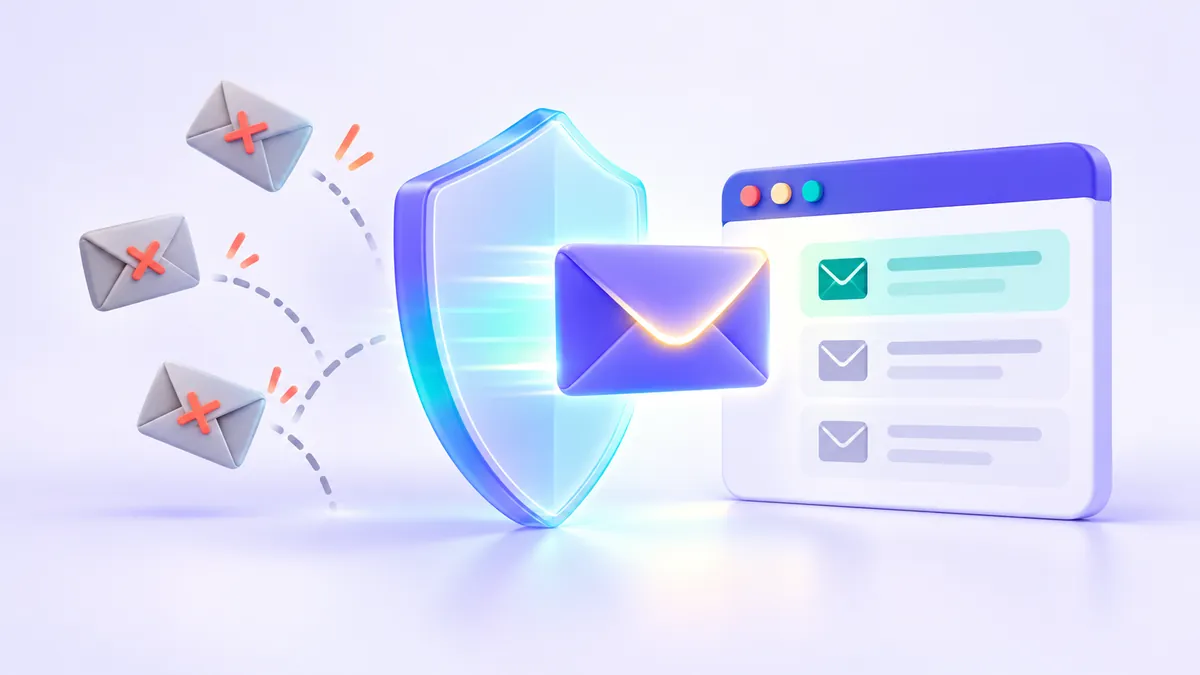
Every time you type your primary email address into an online form, you hand over a permanent identifier. Marketing platforms use that address to build behavioral profiles, link your activity across websites, and fill your inbox with promotional campaigns. A disposable email—frequently called temp mail, a burner email, or a fake email generator—acts as a protective buffer between your real identity and websites you do not fully trust.
How Does a Temporary Email Work?
Under the hood, a temporary email provider runs a real mail server configured to receive messages through the standard Simple Mail Transfer Protocol (SMTP) used across the internet. The difference lies in how the inbox is created, accessed, and cleared out.
When you open a service like FakeEmail.net, the page immediately generates a random address on one of its active domains and assigns it to your browser session. You do not fill out a profile or verify a phone number. When you copy that address and paste it into an online signup form, the sending website looks up the domain's Mail Exchanger (MX) records, routes the message to the temporary mail server, and delivers the email in seconds.
Your inbox on the webpage refreshes automatically and displays the message right in front of you. For a deeper technical dive into DNS routing and server handling, read our guide on how temporary email services work behind the scenes. From an everyday user's perspective, several practical mechanics define how these services operate:
- Zero registration: There is no username reservation process, no password to remember, and no recovery phone number required.
- Session-based access: Your addresses and incoming messages are tied to your active browser session rather than a permanent user account. On FakeEmail.net, if you are inactive for about two hours, the browser session ends automatically.
- Flexible username control: Instead of sticking with a random string of characters, you can click the "Change" button to pick your own username on one of the available domains, and you can hold up to 10 addresses at once in a single browser session.
- Reopening an address: If your session expires before an expected email arrives, you can use the "Change" button later to re-enter the exact same username and domain; messages that arrived in the meantime can still be shown.
- Receive-only design: You can read incoming messages and click verification links, but you cannot compose, send, or reply to emails. Blocking outbound mail prevents bad actors from abusing disposable domains to send phishing messages or spam.
Tip: Need to check the same temporary inbox on your phone while signing up on a desktop computer? On FakeEmail.net, you can scan a built-in QR code to open your active inbox on a mobile browser. The QR link remains valid for one hour.
Why People Use a Disposable Email Address
Keeping a clean inbox is much easier when you stop giving your primary address to every website you visit. Here are the most common, legitimate ways everyday users rely on temp mail.
1. Downloading Guides, E-books, and Whitepapers
Businesses frequently place useful checklists, templates, and industry reports behind an email gate. While the PDF itself takes ten seconds to read, providing your personal address often subscribes you to a multi-week sales sequence. Using a temporary email address lets you receive the download link immediately without having to click "unsubscribe" on dozens of follow-up pitches.
2. Connecting to Public Wi-Fi Captive Portals
Airports, coffee shops, hotels, and shopping malls commonly require an email address on their sign-in page before granting Wi-Fi access. These networks rarely need to contact you later; they simply collect addresses for commercial marketing databases. A quick disposable address gets you online without tying your personal identity to a public network log.
3. Limiting Your Exposure to Data Breaches
Small forums, niche community boards, and one-off web tools don't always invest heavily in cybersecurity. When a smaller database gets breached, exposed email lists are frequently traded and targeted with credential-stuffing attacks or phishing scams. As the U.S. Federal Trade Commission (FTC) advises, minimizing who has your real contact details reduces the surface area scammers can exploit to target you with deceptive messages.
4. Software Development and QA Testing
Web developers and quality assurance engineers routinely test user registration flows, confirmation emails, and layout rendering. Creating dozens of permanent accounts with traditional providers takes too much time and often triggers automated phone verification locks. Engineers can create a temporary email address in seconds, test their application's signup flow, and delete the address as soon as the test passes.
Temporary Email vs. Email Alias vs. Secondary Account
Temporary email is one of three popular strategies for protecting your primary inbox. Depending on what you are signing up for, you might also consider an email alias (a forwarding address that routes mail to your real inbox) or a secondary permanent email account (such as a separate Gmail or Outlook address used only for newsletters). Each option has clear trade-offs.
| Feature | Temporary Email | Email Alias / Forwarding | Secondary Email Account |
|---|---|---|---|
| Setup Time | Instant (already on screen) | 1 to 3 minutes | 5 to 10 minutes |
| Personal Info Required | None | Requires your real email address | Often requires a phone number |
| Address Lifespan | Session-based (hours) | Permanent until turned off | Permanent (if logged into periodically) |
| Can Send or Reply? | No (receive-only) | Sometimes (depends on service) | Yes (full email client) |
| Privacy Level | Public if address is known/guessed | Private (protected by your login) | Private (protected by your login) |
| Account Recovery | Not reliable for long-term recovery | Full recovery via primary inbox | Full recovery via password reset |
| Best Used For | One-time codes, gated downloads, QA testing | Online shopping, recurring newsletters | Backup accounts, loyalty programs, job hunting |
If you want to understand how each tool handles routing and identity protection in greater depth, check out our full breakdown of fake email vs. temporary email vs. email aliases. In short: if you never want to hear from a website again after today, use a temporary email. If you want an ongoing relationship with the option to cut off messages later, use an alias.
The Limits and Realities of Temp Mail
A trustworthy guide to disposable email has to be honest about what the technology cannot and should not do. Temporary email is built for convenience and spam avoidance—not for high-security encryption or confidential correspondence.
1. Temporary Inboxes Are Not Private Mailboxes
Because there are no accounts or passwords protecting a temporary address, anyone who knows or guesses an address can open its inbox. If you use the "Change" button to pick a very common word—like john or test123—another visitor who picks the same name on the same domain will see the messages sitting in that mailbox. Always stick to random strings when possible, click the "Delete" button when you finish reading your message, and never use a disposable address for anything private or sensitive.
2. Some Websites Block Disposable Domains
Online services have the right to decide who can register on their platforms. Many websites maintain blocklists of known disposable email domains to prevent spam registrations, stop users from creating fake accounts, or protect limited promotional offers. If a website displays an error saying your temporary address is not accepted, respect that boundary and use your own permanent address or an email alias you control.
3. Strict Acceptable Use Rules
A disposable email service is a privacy shield for normal browsing, not a tool for misconduct. FakeEmail.net must not be used for fraud, harassment, sending spam, evading bans on platforms, or abusing free trials and referral promotions. Using temporary addresses to exploit businesses is both unethical and a violation of acceptable use rules, which is why reputable services remain strictly receive-only and cooperate with abuse prevention standards.
Warning: Never use a temporary email address for an account that holds money, stores personal data, or requires future password resets. If you lose access to the inbox or someone else guesses the address, anyone could trigger a password reset link and take over that account.
When You Should Never Use a Temporary Email
Before pasting a disposable address into a form, ask yourself one simple question: "Will I care if I get locked out of this account next month?" If the answer is yes, do not use temp mail. Avoid disposable addresses entirely for the following categories:
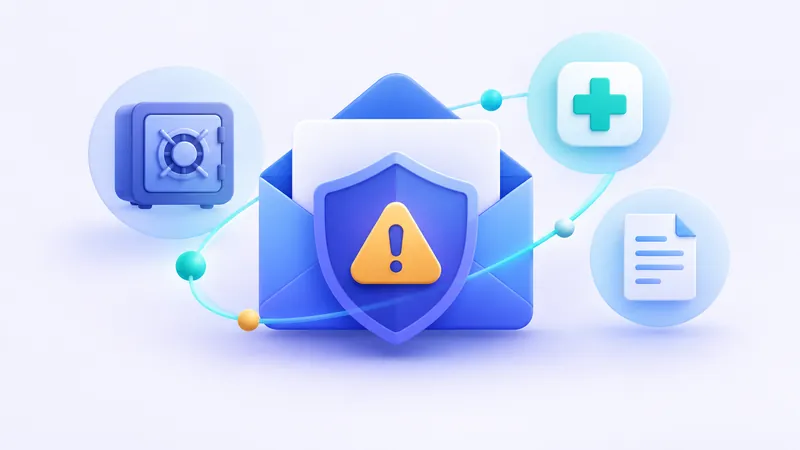
- Banking, financial apps, and cryptocurrency platforms: Financial accounts send critical security alerts, tax documents, and login verifications that must stay confidential.
- Healthcare, insurance, and government portals: Official correspondence contains sensitive personal identifiers that should never land in an unauthenticated inbox.
- Online retail orders with physical shipping: You need permanent access to order confirmations, tracking updates, warranty receipts, and return labels.
- Work, school, and primary social media accounts: Any account tied to your reputation or daily communication requires a secure, password-protected mailbox with two-factor authentication enabled.
For a complete checklist of high-risk situations and safer alternatives, read our dedicated guide on when not to use a temporary email.
Best Practices for Using Temp Mail Safely
When used for the right tasks, a temporary email keeps your digital life remarkably tidy. Follow these five practical habits to get the best experience:
- Keep the browser tab open while waiting: Verification emails usually arrive within a few seconds, so leave your FakeEmail.net tab open until you finish clicking the confirmation link or copying the code.
- Prefer random usernames over simple words: The random address generated when you first load the page is much harder for someone else to guess than a simple custom name like
alex. If you customize your address with "Change", combine unusual words and numbers. - Use the Delete button when you are done: As soon as you have your verification code or download link, click the "Delete" button to clear the address from your session.
- Manage multiple signups in one place: If you are comparing several web tools or running QA tests, use the built-in address selector to keep up to 10 disposable addresses organized inside a single browser session.
- Treat incoming attachments and links with caution: Just like in a standard inbox, do not download unexpected executable files or enter sensitive personal details on unfamiliar pages linked inside an email.
Frequently asked questions
Is using a temporary email legal?
Yes, using a temporary email address to protect your privacy and avoid marketing spam is completely legal. However, you must never use disposable email services for illegal activities such as fraud, impersonation, harassment, or bypassing platform bans.
Can I send or reply to messages from a FakeEmail.net address?
No. FakeEmail.net is strictly a receive-only service. Disabling outbound mail prevents spammers and scammers from misusing the domains to send unwanted or deceptive emails to other people.
How long does a temporary email address last?
On FakeEmail.net, your addresses and received messages are tied to your active browser session, which ends after about two hours of inactivity. If you need to check the same address again later, you can click the Change button and enter that username on the same domain to view messages that arrived in the meantime.
Are temporary emails completely private and secure?
No. Temporary email addresses do not require passwords, which means anyone who knows or guesses a specific address can open its inbox and read the messages. You should never use a disposable address for sensitive information, banking, or accounts you want to keep long-term.
Why did a website reject my temporary email address?
Some websites block known disposable email domains to reduce spam signups or prevent users from abusing free trials and promotions. That is the website owner's choice; when that happens, you should use your regular email address or a personal forwarding alias instead.
Need a disposable address right now? Get one free in a single click — no sign-up.
Get a temp email